
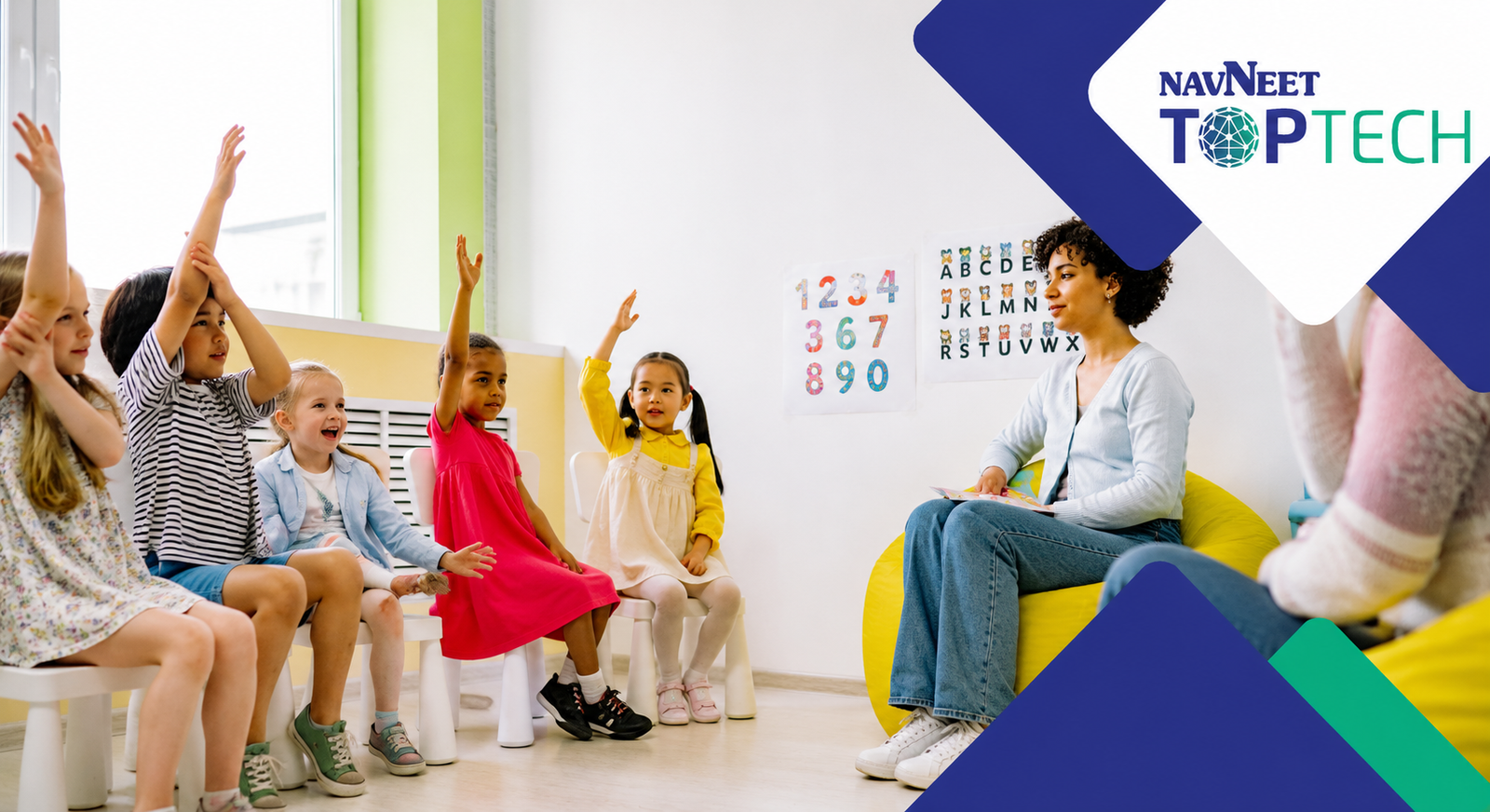
A typical school day today involves much more than teaching. Between attendance, lesson preparation, assignments, classroom activities, assessments, and student follow-ups, teachers are constantly managing multiple responsibilities at once. As classrooms become more dynamic, many educators are looking for ways to make daily teaching more organised and manageable.
This is where the idea of a future-ready classroom becomes relevant. It is not simply about introducing more technology into the classroom, but about creating an environment where teaching resources are easy to access, classroom routines run smoothly, and students remain actively engaged in learning. Today, digital classroom software is helping teachers build more effective classroom environments while supporting both learning and classroom management.
A future-ready classroom does not emerge from a single tool or platform. It is usually built through a series of practical decisions that make teaching more organised and learning more accessible. This guide outlines the key steps involved in that process.
Why Teachers Are Adopting Future-Ready Classrooms
Most teachers already know what they want from a classroom: lessons that run smoothly, students who stay engaged, and fewer interruptions during teaching. The challenge is maintaining this consistently while managing a wide range of classroom responsibilities.
Future-ready classrooms are helping address some of these everyday challenges. Teaching resources are easier to access, classroom activities are easier to organise, and students often have more opportunities to participate actively during lessons. Rather than changing everything at once, many teachers are introducing practical improvements that make classroom teaching more effective and manageable.
So where does the process begin? Let’s look at the key elements that help shape a future-ready classroom.
1.Understanding Classroom Needs
Before introducing new tools or processes, it is important to understand the everyday realities of the classroom. Identify where students need the most support, which tasks take up the most teaching time, and what disruptions affect lesson flow.
Every classroom functions differently, so understanding these needs first helps teachers focus on improvements that can make the greatest impact.
Once these needs become clearer, the next step is ensuring that teaching resources are easy to access and use during lessons.
2. Setting Up Easy Access to Teaching Resources
Few things disrupt a lesson more than searching for materials during class. Keeping lesson plans, worksheets, presentations, assessments, and activity resources organised allows lessons to move more smoothly.
Many teachers now use digital content for schools to access curriculum-aligned resources without spending additional time preparing everything from scratch.
With resources organised and easily accessible, attention can shift to the tools that support lesson delivery and student engagement.
3. Choosing Classroom Technology That Supports Teaching
Technology should simplify teaching, not add more complexity. Focus on tools that support everyday classroom activities such as lesson delivery, assessments, student participation, and resource sharing. Solutions that are easy to adopt and integrate into existing workflows often provide the greatest long-term value.
A connected ecosystem can also help schools manage teaching, content, and classroom operations more effectively.
This is where working with an integrated technology solutions partner such as Navneet TOPTECH can help schools bring together teaching, assessment, content, and classroom management software within a connected ecosystem rather than relying on multiple disconnected platforms.
4. Building Better Classroom Management
Even the most engaging lesson can become difficult if classroom routines are not organised. Attendance, homework tracking, classroom activities, and student progress all require regular monitoring. When managed manually, these responsibilities can take up valuable teaching time.
Having important information organised in one place helps teachers stay focused on teaching while maintaining better classroom oversight.
With solutions that provide a clearer view of student participation, learning progress, and classroom activities, Navneet TOPTECH helps schools make more informed decisions while supporting a more organised learning environment.
5. Making Learning More Interactive for Students
Students often learn more effectively when they actively participate in the learning process. Discussions, group activities, presentations, classroom polls, and problem-solving exercises encourage engagement and collaboration.
Visual content, videos, simulations, and digital learning resources can further support concept understanding. The goal is to create opportunities for students to think, respond, and contribute throughout the lesson.
6. Creating a Comfortable Digital Routine
Introducing too many tools at once can make adoption difficult for both teachers and students. A gradual approach allows everyone to become comfortable with new systems before additional changes are introduced.
Consistent routines create familiarity, reduce confusion, and help technology become a natural part of classroom learning rather than a distraction from it.
Schools looking to build a more structured and effective digital learning environment can explore how Navneet TOPTECH’s technology solutions support teaching, classroom management, assessments, and overall school operations through a unified approach to digital transformation.
7. Reviewing What’s Working in the Classroom
Creating a future-ready classroom is an ongoing process. Regularly reviewing participation levels, learning outcomes, classroom routines, and technology usage helps identify what is working well and where additional support may be needed.
Teachers can regularly reflect on questions such as:
- Which activities generate the most participation?
- Which tools save time?
- Where do students need additional support?
- Which routines work consistently?
Small improvements based on daily classroom experiences often have a greater impact than large changes implemented all at once.
Things Teachers Should Keep in Mind
While every classroom is different, a few principles remain consistent:
- Choose tools that are simple and practical.
- Focus on solving real classroom challenges.
- Use reliable and curriculum-aligned teaching content.
- Seek training and support when required.
- Evaluate digital tools based on classroom needs rather than trends.
The most effective classroom setups are usually the ones that make teaching easier rather than more complicated.
The Next Step Towards Future-Ready Learning
There is no single blueprint for a future-ready classroom. Every school, teacher, and student has unique needs. What matters most is creating an environment where teaching becomes more effective, learning remains engaging, and everyday classroom experiences are easier to manage.
Meaningful progress does not always come from large-scale changes. Small improvements such as better lesson planning, stronger classroom routines, easier access to learning resources, and the right digital support can make a lasting impact over time.
As education continues to evolve, schools need solutions that support both teaching and learning. By combining effective classroom practices with the right technology, schools can create learning environments that are prepared for today’s challenges and tomorrow’s opportunities.
FAQs
Q1. What is a future-ready classroom?
A future-ready classroom is a learning environment that combines effective teaching practices with the right technology, resources, and processes to improve student engagement, collaboration, and learning outcomes. Tools such as digital classroom software help teachers deliver lessons more efficiently and manage classroom activities with ease.
Q2. How does classroom teaching software support teachers?
Classroom teaching software helps teachers organize lesson plans, share learning materials, conduct assessments, and track student progress from a single platform. This reduces administrative workload and allows educators to focus more on teaching.
Q3. Why is digital content important for schools?
Access to quality digital content for schools enables teachers to deliver interactive and curriculum-aligned lessons. Videos, simulations, quizzes, and multimedia resources can make learning more engaging and help students understand concepts more effectively.
Q4. What are the benefits of using classroom management software?
Classroom management software helps streamline attendance tracking, assignment management, student monitoring, and communication. It improves classroom organization and supports teachers in maintaining a productive learning environment.
Q5. How can schools choose the best classroom management system?
When selecting the best classroom management system, schools should look for features such as ease of use, student performance tracking, attendance management, content accessibility, and integration with existing school systems.
Q6. Can digital classroom software improve student engagement?
Yes, digital classroom software can support interactive learning through presentations, polls, collaborative activities, assessments, and multimedia content, encouraging greater student participation during lessons.
Q7. What role does technology play in building a future-ready classroom?
Technology helps simplify teaching, improve classroom organization, and provide access to learning resources. Solutions that combine classroom teaching software, digital content for schools, and classroom management tools can support a more connected and effective learning experience.