Key Takeaways
- Digital classroom solutions help teachers explain concepts through videos, animations and interactive learning activities.
- Learning management systems for schools extend these capabilities through organised learning resources, assessments and student progress tracking.
- Integrating classroom teaching with assessment helps teachers plan relevant practice and follow-up activities.
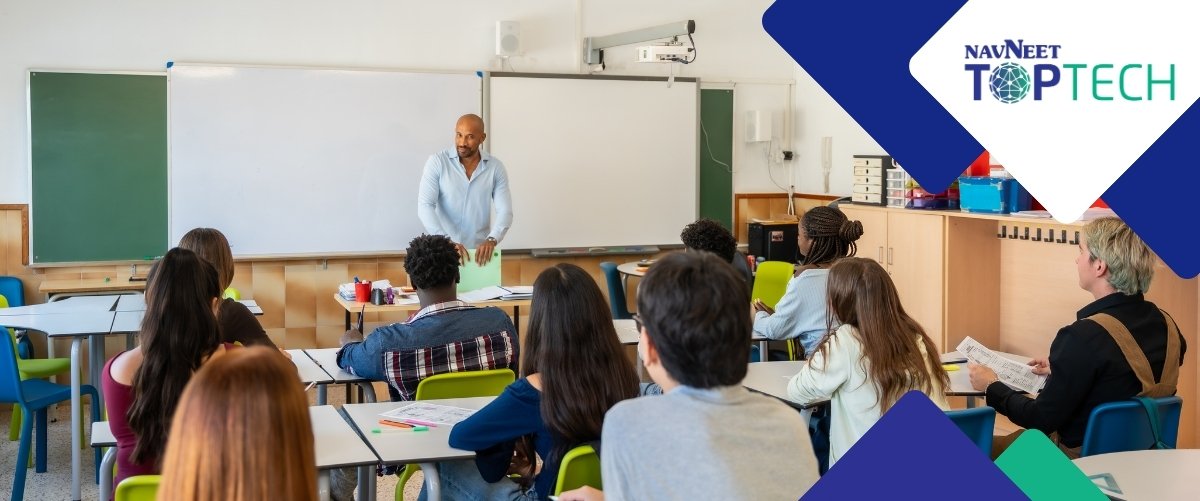
Imagine a geography lesson on the movement of tectonic plates. An animated visual allows the teacher to demonstrate how the plates move and explain how their interactions can cause earthquakes. Students observe the process, discuss what they see and connect the visual with concepts from their textbook.
But the learning doesn’t end with the lesson in the classroom. After the class, students could revisit related learning resources and work on self assessments through a learning management system (LMS). The teacher could then review their responses to identify concepts that need further explanation or practice in the next lesson.
A 2025 OECD literature review on digital technologies and student learning highlights the potential of digital technologies to support student engagement and personalised learning, while emphasising the importance of effective implementation.
Connecting classroom teaching with learning resources, practice and assessment helps schools support students beyond individual lessons. Digital classrooms and learning management systems play different but complementary roles in this process.
Understanding the Role of an LMS in a Digital Classroom
A learning management system (LMS) extends classroom learning by helping teachers organise resources, plan lessons, conduct assessments and review student progress. This creates a link between what students explore during a lesson and the activities that reinforce their understanding afterwards.
A digital classroom helps teachers deliver lessons, while an LMS supports the activities that follow, from practice and assessment to reviewing student progress. Together, these tools help teachers connect lesson delivery with academic planning.
What Are the Benefits of Integrating an LMS Within Digital Classrooms?
Integrating an LMS within digital classrooms helps schools connect teaching resources, student practice and academic information. This creates opportunities to strengthen the learning process while supporting teachers in planning their next steps.
1. Connect Classroom Explanations with Further Practice
Some concepts benefit from opportunities to revisit an explanation, apply an idea and cross-check understanding. During a lesson on sentence construction, a teacher could demonstrate how clauses work together to form complex sentences. Students could then practise identifying and combining clauses through exercises, giving the teacher material to review and discuss in a subsequent lesson.
Digital classroom solutions help teachers introduce concepts through visual demonstrations and interactive content. An LMS extends the lesson by organising related resources and practice activities.
2. Use Assessments to Guide Teaching
Assessments give teachers useful information about how students are applying what they have learnt. When online assessments are available through an LMS, teachers review responses and identify areas that need further attention. These results help them plan the next lesson, whether that means revisiting a concept, introducing another activity or moving on to a new topic.
3. Make Practice Easier to Assign and Review
When a chapter ends, teachers may need time to prepare worksheets, distribute questions and review students’ answers. With an LMS, a teacher may assign chapter-wise practice as soon as the lesson is complete. Students complete the questions online, allowing the teacher to review the results by the next morning, identify common errors and plan revision around concepts that need more attention.
How does an LMS Support School Management?
School management involves more than overseeing classroom teaching. Administrators also need to track attendance, review academic performance, communicate with parents and coordinate activities across classes. An LMS helps organise these responsibilities by bringing academic information and administrative processes into a more accessible workflow.
- Attendance management: Digital attendance records help schools maintain student attendance information and identify patterns that may need attention.
- Reports and student progress: While academic reports help teachers review individual performance, school-wide reporting gives administrators a broader view of progress across classes.
- Parent communication: Sharing updates on attendance, academic progress and school activities helps parents stay informed and involved in their child’s learning.
- Principal dashboards: Consolidated dashboards help principals review school-level information, monitor academic trends and identify areas that may require attention.
With these functions organised within the same platform, NAVNEET TOPTECH’s TopSchool helps teachers and school leaders access relevant information for academic planning and day-to-day school management.
Common Challenges of Integrating Digital Learning Tools and How to Address Them
Introducing digital learning tools requires schools to consider how they will fit into everyday teaching and academic management. Curriculum alignment, teacher readiness and access to reliable academic information all influence how effectively these tools can be used. Addressing these considerations helps schools make more informed decisions about implementation.
1. Finding Curriculum-Aligned Digital Content
Digital resources may be engaging but still fall short if they do not match the topics, learning objectives or grade-level requirements being taught. Educators should check resources against the prescribed syllabus before adopting them, ensuring that examples, activities and assessments are appropriate for the class. Reviewing resources periodically also helps schools keep them aligned with curriculum changes.
2. Encouraging Teacher Adoption
Even when digital tools are available, teachers may continue relying on familiar methods if new systems feel complicated or add to their workload. Involving teachers in the selection process, providing hands-on training and allowing time for practice makes adoption easier. Starting with a few relevant classroom activities also helps teachers see where digital resources add value.
3. Connecting Classroom Teaching with Academic Planning
When lesson plans, assessment results and student performance records are maintained across separate systems, teachers may spend additional time locating information and building a clear picture of student progress. Schools should assess how well their systems work together and establish consistent reporting practices so that academic information is easier to review and use for planning.
A more connected approach to digital learning depends on how effectively schools bring teaching, assessment and administration into their everyday academic workflows. NAVNEET TOPTECH’s TopSchool brings digital learning content, assessments and school management into one platform. Teachers can use its learning resources and lesson-planning tools to organise instruction, conduct assessments and review student performance through reports and analytics. Features such as attendance management, parent communication and principal dashboards also support the administrative work involved in running a school.
By bringing these functions together on one platform, TopSchool helps reduce the fragmentation of academic information, supports teachers in planning relevant follow-up and gives school leaders better visibility into student progress and school operations.
Building a More Connected Learning Experience
For schools exploring digital learning solutions, the priority is to find tools that support classroom teaching while meeting the wider needs of academic planning and school management. NAVNEET TOPTECH’s TopSchool brings digital content, assessments and school management capabilities together to support these needs.
Explore NAVNEET TOPTECH’s digital learning solutions to learn more.
FAQs
1. How do digital classrooms and LMS work together?
Digital classrooms support lesson delivery through visual and interactive content. An LMS extends this learning experience by helping schools organise resources, conduct assessments and review student progress.
2. How does an LMS improve learning in schools?
An LMS helps teachers organise lesson plans, conduct assessments and review student performance. These insights inform revision activities, further practice and future teaching plans.
3. How do digital classroom solutions support teachers and students?
Digital classroom solutions provide resources such as animations, videos and interactive activities that teachers use to explain concepts and encourage classroom participation.
4. What should schools consider when choosing an LMS?
Schools should evaluate an LMS against their academic requirements and existing workflows. Key considerations include:
- Curriculum alignment and lesson-planning support
- Assessment tools
- Student performance reporting and analytics
- Ease of use for teachers and administrators
- Compatibility with existing academic workflows
- Ability to complement classroom teaching
5. Is an LMS the same as an ERP?
No. A learning management system (LMS) focuses on teaching and learning activities, such as organising learning resources, conducting assessments and tracking student progress. An enterprise resource planning (ERP) system typically manages broader institutional operations, such as finance, fee collection, human resources and administration. Some school management platforms may include functions that overlap across these areas.
6. Can a school use a digital classroom without an LMS?
Yes. A school can use digital classroom solutions to deliver lessons through videos, animations and interactive content without adopting an LMS. An LMS can extend this setup by helping teachers organise learning resources, conduct assessments and review student progress beyond individual classroom sessions.